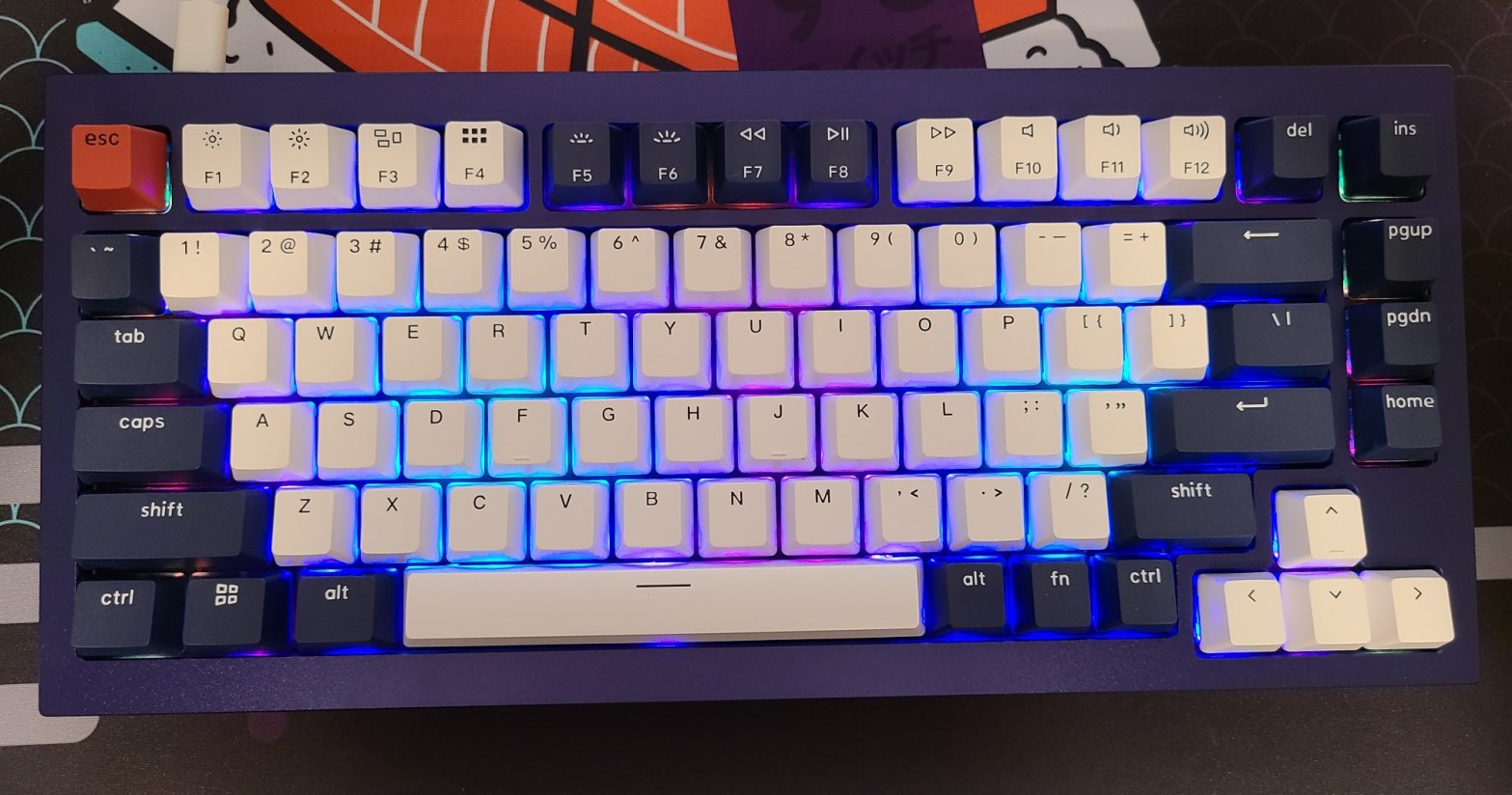
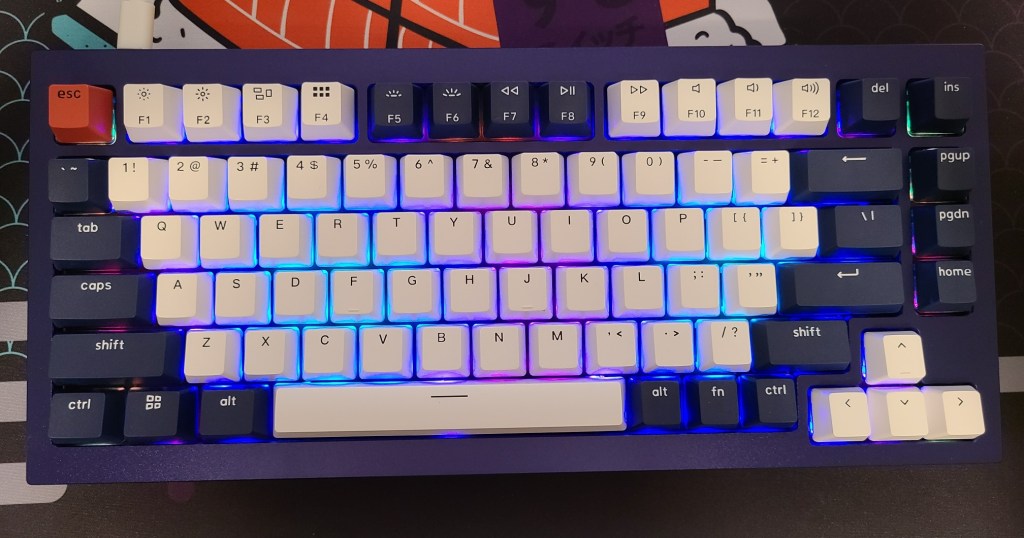
The “Keychron Q1 QMK Custom Mechanical Keyboard” is a keyboard that is in direct competition with the “Glorious GMMK Pro” by Glorious PC Gaming Race. Both have a very similar 75% layout (though the GMMK Pro has an additional key, the rotary encoder), both are hot-swap, aluminum-bodied, are customizable through open-source firmware (keymapping), and have south-facing LEDs. Both are also Win/Mac compatible, though the Keychron has an upper hand on this because it’s pre-programmed (you flip a switch on the back) but have to go through firmware to do the same for the GMMK Pro. Cost-wise, you get more bang for your buck with the Keychron since for the same price as the GMMK Pro, which is a barebones kit, you get your choice of switches, matching keycaps, and a not-totally-terrible coiled cable in the color of the board. Barebones for the Keychron is twenty dollars cheaper at the time of writing.
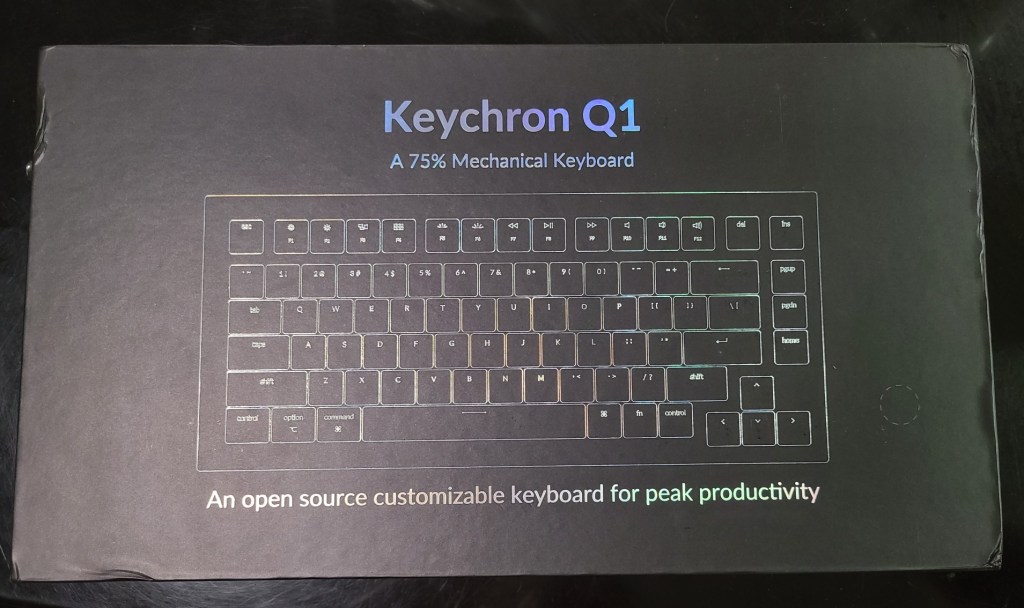
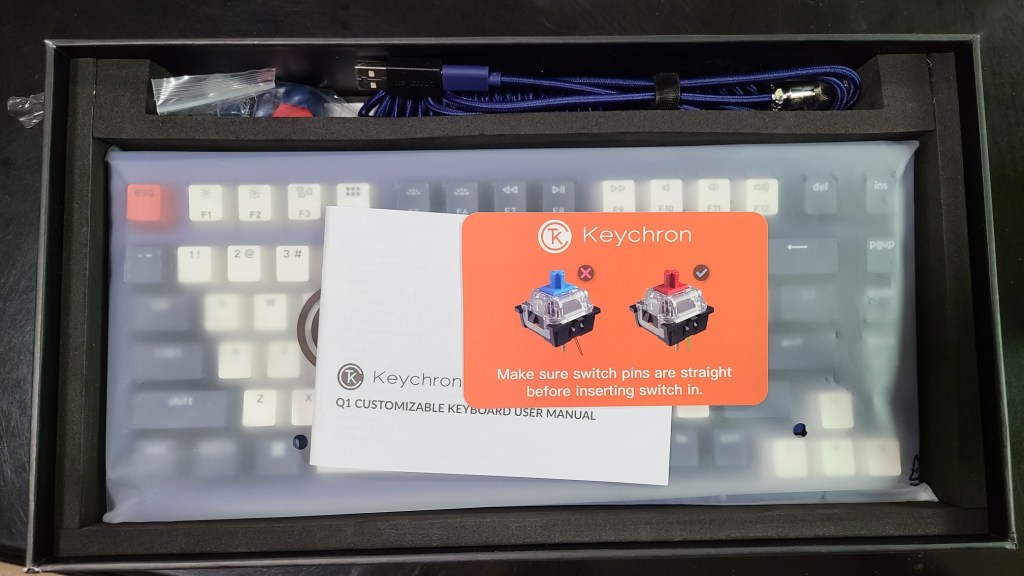

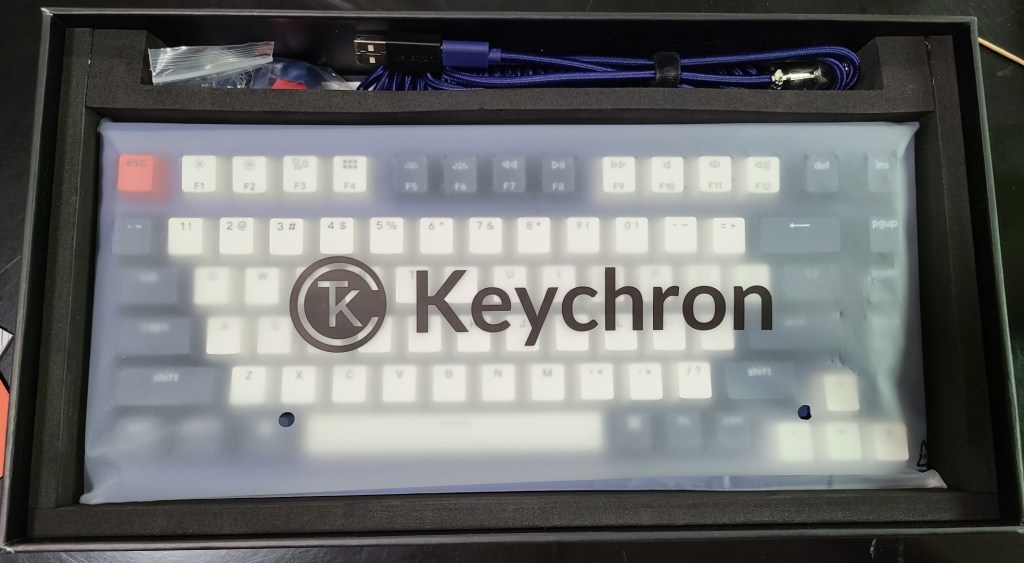
Personal thoughts: I like this board. I honestly thought it would fall a little short when compared to the GMMK Pro but what I got out of the box for the price was pretty impressive for the price. The only thing is, it has a pretty harsh tang I can’t get over personally, but I don’t think that’s unfixable so not a deal-breaker.
Let me explain.
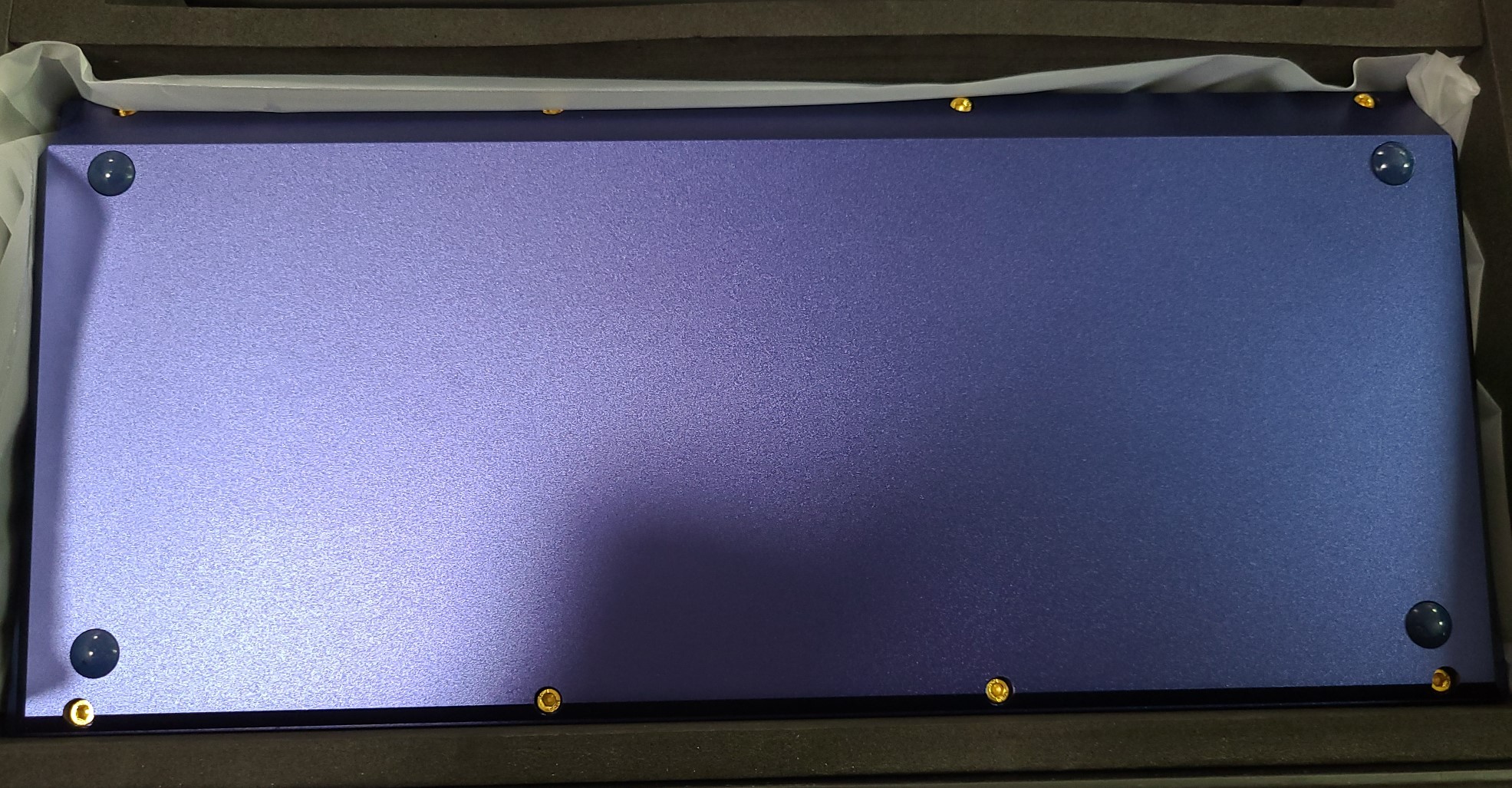
First, the aluminum body. I got the blue thinking it wouldn’t be that impressive, but I got it because it was the only “colored” keyboard available (the other two options are black and white). Right out of the box though, my eyes were seduced by the glittery gleam of the board. It’s so shiny and I like it! It’s a deeper and richer blue than what the pictures on the site show. Not nearly as flat a color.
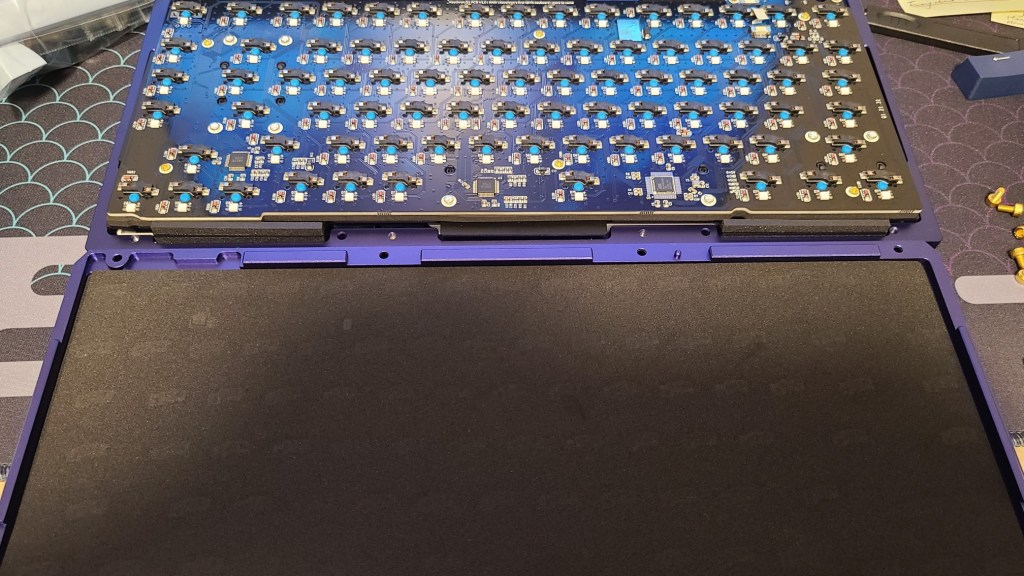
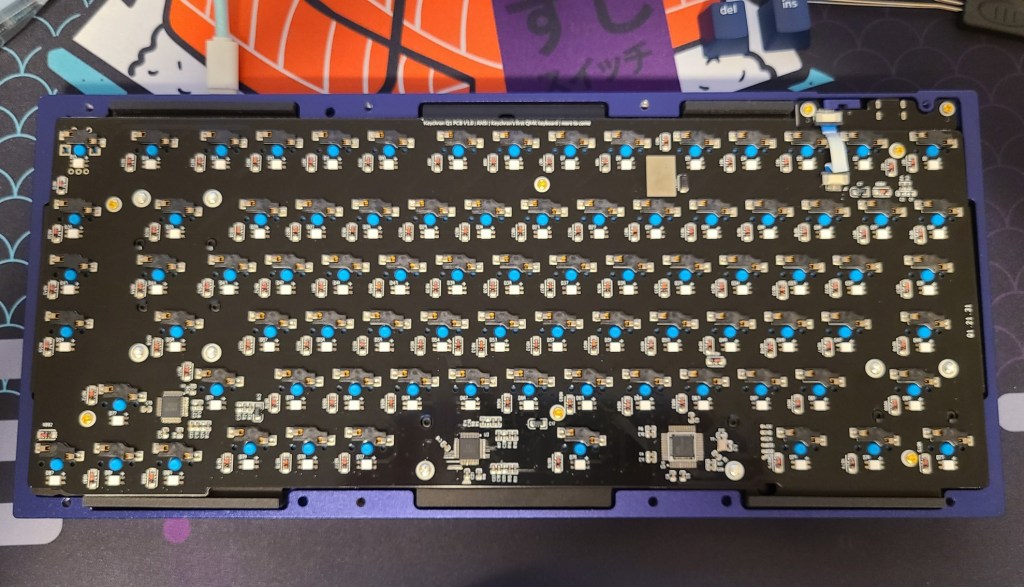
Interior-wise, it’s foamed for a bit of sound dampening. But it doesn’t really do much, in my opinion. There’s still that harsh hollow metallic tang on some of the key presses, which made me originally think there was no foam in there at all, and the plate seems to be made of some sort of plastic. PCB itself is pretty clean though; one thing of note, it’s attached to a chip screwed onto the top so careful when taking it out of the case.
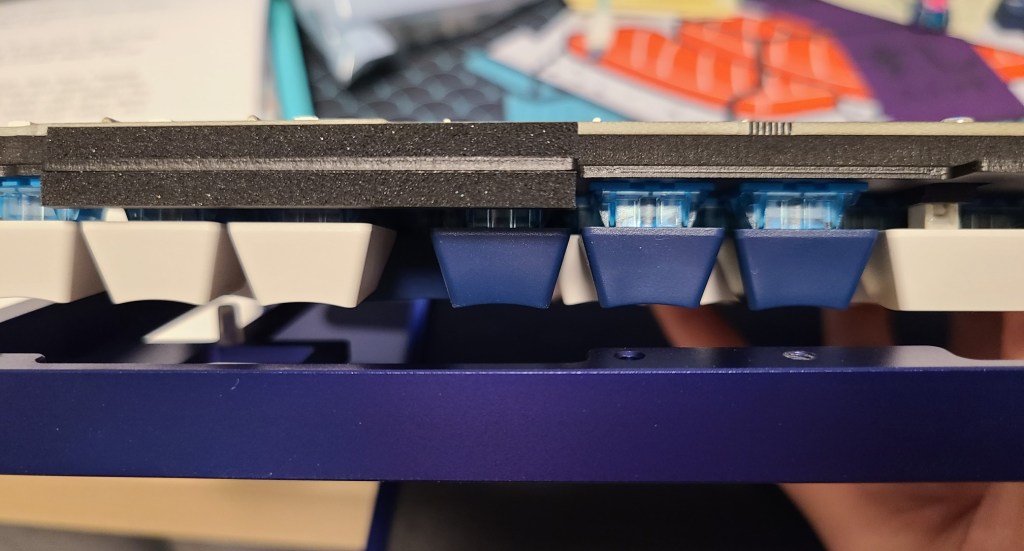
As you can see below, they mounted foam in between the plate and the PCB as well. And used more foam to cushion it against the aluminum body to make it gasket-mounted. Not sure I really feel the flexibility but I sure do hear the mechanical in mechanical keyboard (not in a good way)!
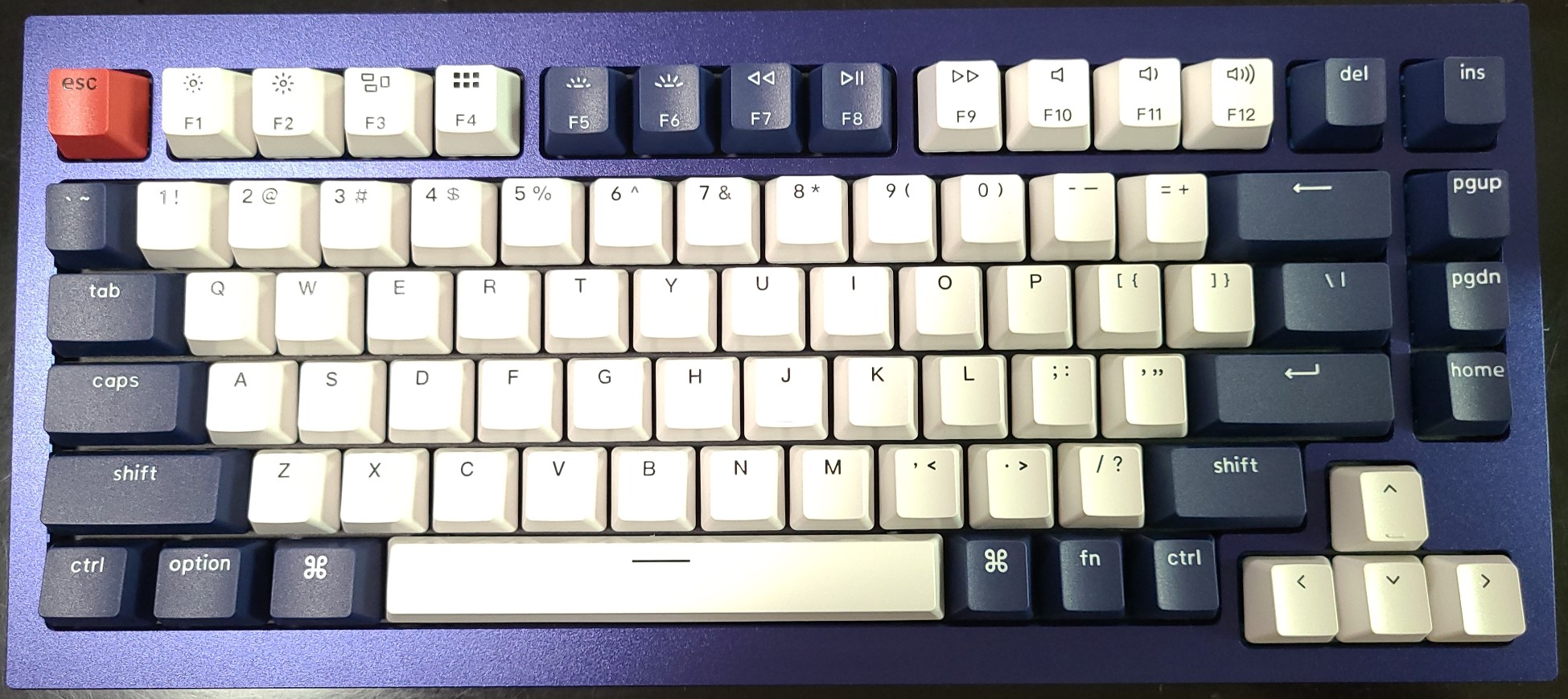
Now, the keycaps. Hey, they’re a welcome addition! And they have color! Not the best but definitely not the worst. Nothing I can complain about really when they were added as an addition to the board. If I were to get nitpicky though, it would be that the texture is very slippery smooth (not in a good way) and the font is, well… thin. Other than that, keycaps!
Warning! Do not use with SA-profile keycaps! Man, oh man, that metallic tang~! That’s some impressive clanking going on there in that backspace. Not sure how it even makes the sound since I don’t need to press it at all (just tap the surface) to get the “music” going.
Lighting options. There’s… a lot of rainbow modes. Not totally a bad thing, I just like to have specific colors for specific modes. So, all-in-all, I just made it a static purple and left it at that.
Not too much else to say about it, honestly. It’s a solid build for a solid price. It’s clean, has a good 75% layout, has all the bells and whistles you’d need on a standard keyboard, and it’s customizable. Not a bad deal.
Would I recommend this board? Maybe! The only thing I’d recommend is that you don’t get the blue switches with them. The clinking and the tanging rattle my brain so I’d hope to save you the trouble of listening to it (try softer/quieter tactiles or linears – that should help a lot). Otherwise, an awesome option if you’re on the market for a new board and want to spend sub-two-hundred. (Side note: I plan to see if I can insert some sound dampening foam in between the top case and the plate to see if I can stymie the sound a bit in case it helps.)
And that’s about it for today. As always, hope to see you around again, soon!
 EVERY DAY A MYSTERY