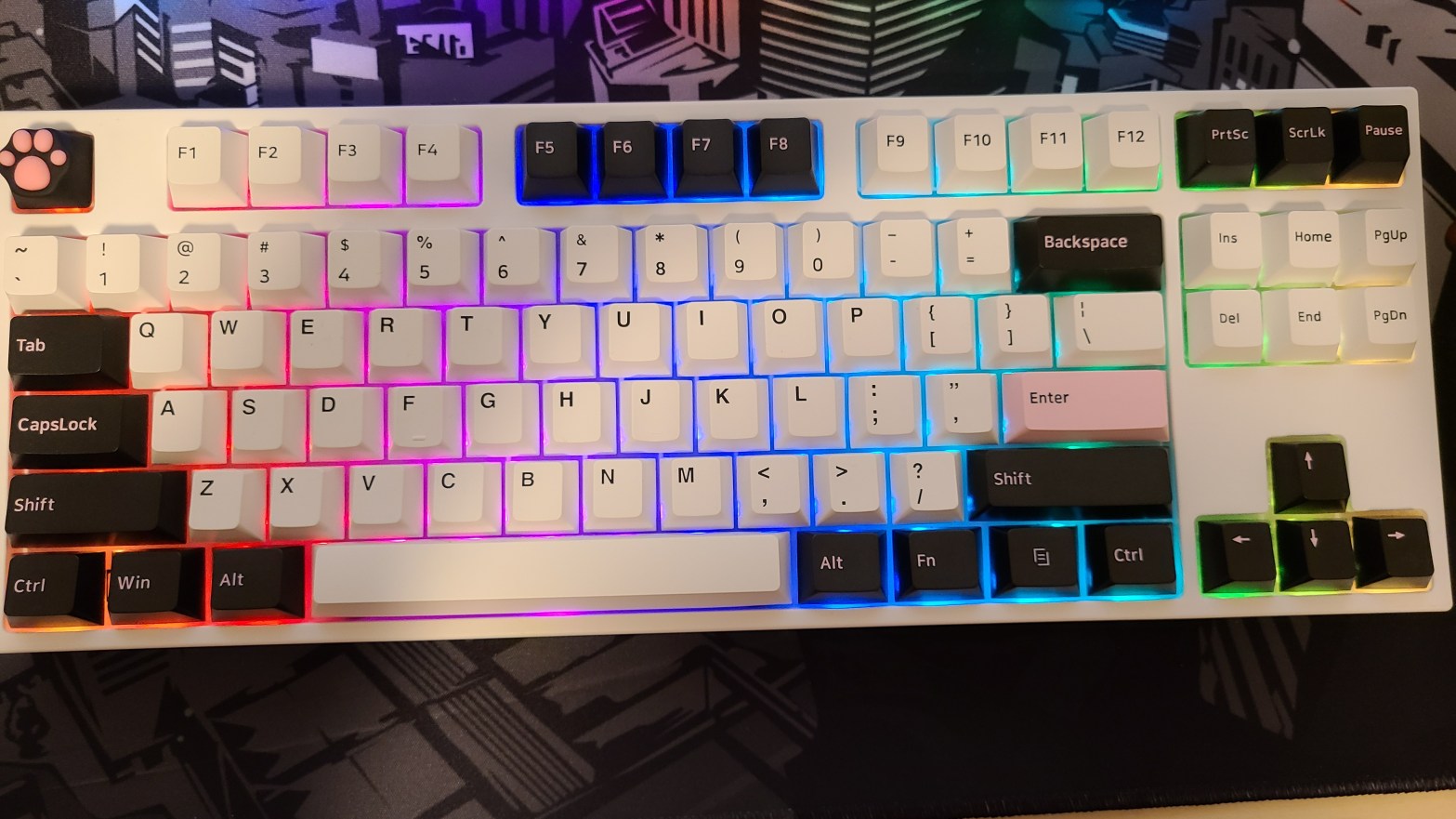
As a keyboard enthusiast, I recently bought a board called the Kirin v2 from a company called Tempest. I didn’t think I would be very impressed with it but I was looking for a specific set of features and it seemed like it had everything I wanted: it was bluetooth-enabled, hot-swappable, had a 5-pin pcb, and had a low enough profile. So I went and I ordered it with Kailh BOX White Switches (I love clickies).
Now, to be honest, when I first got it out of the box, I wasn’t very impressed with its looks, but what I was impressed by was the overall functionality of it.
In addition to the stuff I listed above, this thing has RGB lighting with several different lighting profiles, which is always a nice touch, it can set multiple Bluetooth profiles, is both Win/Mac and iOS/Android compatible, and comes with custom (albeit not very high-end) keycaps already in tow. All-in-all a very good set of features.
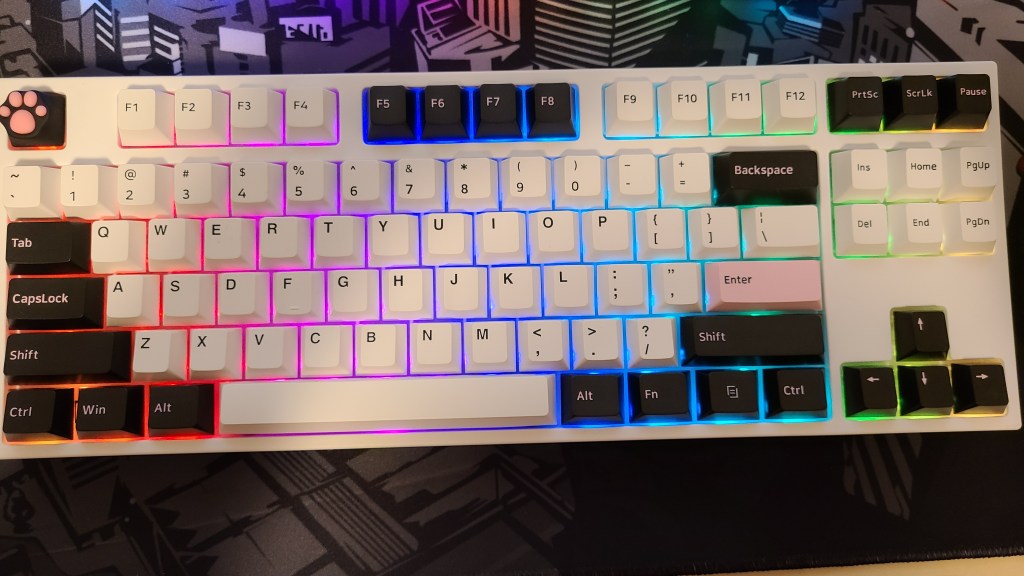
As for the build quality, it’s decent for plastic but it isn’t great. When I compare this to another board with the exact same price, the Logitech G915—which is a low profile board and one of my favorites—it doesn’t feel as premium. Even putting it next to the Drop ALT, which is $50 cheaper, you can tell that their main focus wasn’t on the material of the case but maybe more on its features.
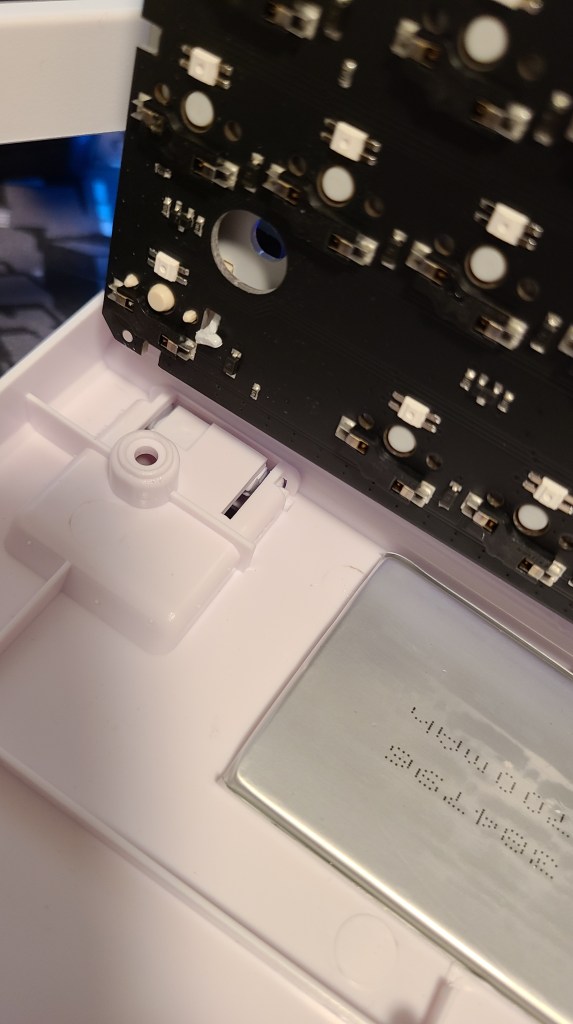
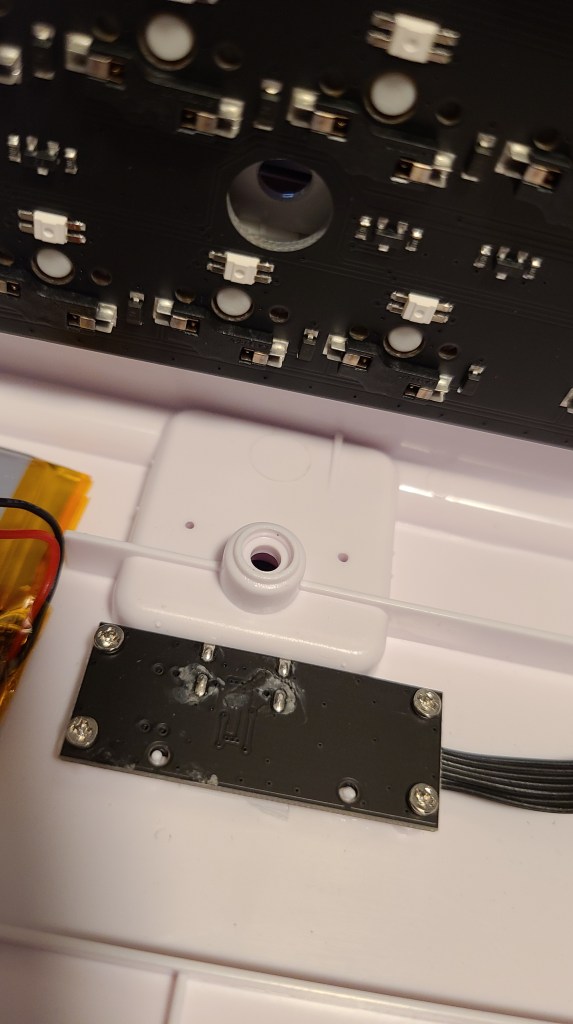
Opening it up, the keyboard’s plate and PCB sits on the case and is held stable by the three prongs that fit into holes on the PCB. The plate itself, interestingly enough, is attached to the PCB by small metal feet, which makes it impossible to detach the two unless you damage one or the other.

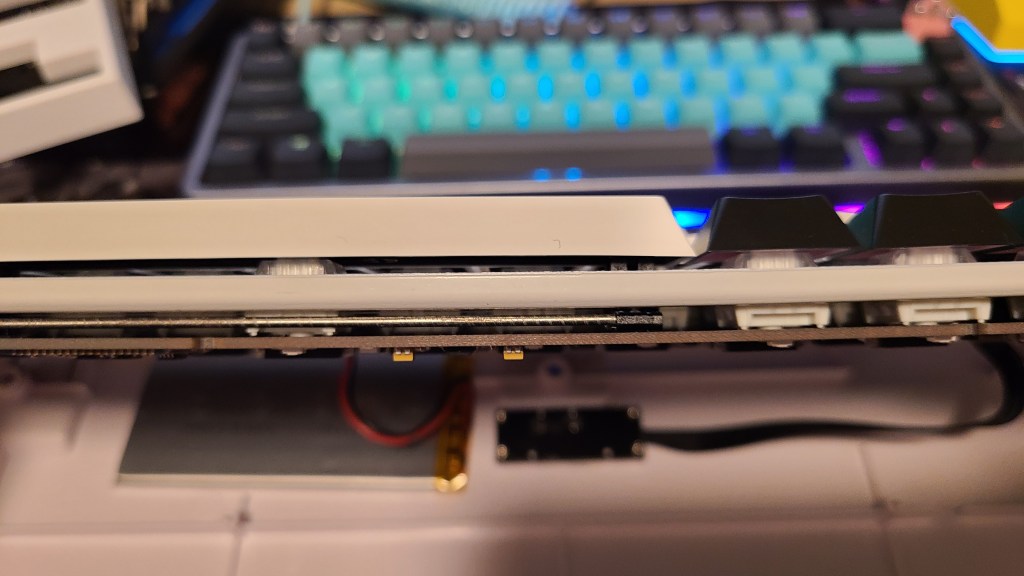
Profile-wise, it sits at a decent angle when the feet are folded in but skyrocket upright when the legs are in use. Here it is next to the Drop ALT, the high profile version, for comparison.
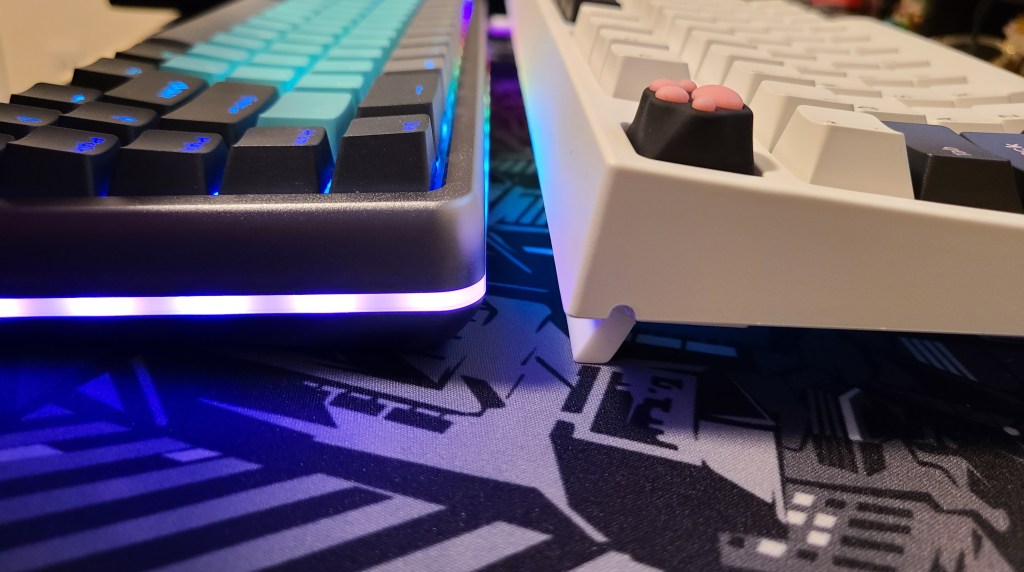
As for keycaps, they’re doubleshot PBT and have a lower profile than standard caps, which helps with the height if you don’t have a wrist rest available to use with the board. Not too bad, though those who like the shinethrough legends will be disappointed. But that’s just PBT for ya.


Overall, I’d say the Kirin v2 is a pretty decent keyboard. It offers a lot compared to some other boards in the $229 price range, like multiple device connectivity through bluetooth, a long battery life, and a USB-C connector, which the G915 unfortunately doesn’t have. Lighting is nice, though you don’t see it as much with the PBT keycaps (expected) but it’s bright enough to be noticeable.
Two things of note though, for this price range, I expected to get a good quality board with no problems. However, the PCB I got was damaged and the left CTRL key wasn’t working. Fortunately, customer service was incredible and they sent me a replacement PCB right away, which I popped in. Unfortunately again, this time the right Win key was broken, but at least it was a key I could live without, so I told them it was fine. Shipping across countries is always rough but twice in a row was just a little disappointing. And as for the second note, with the G915, I can tap on any key, any time, even when it’s sleeping and it’ll still register on the computer no problem, but with the Kirin v2, I have to tap a key and wait a second before I can start using it. It doesn’t seem like that big a deal but it honestly feels like there’s a hiccup whenever you want to get things done quickly. If you’re watching a video and the keyboard goes the sleep, you have to wake it up again, wait a second, and only then can you start using it to search for another title. User experience-wise, this alone may have me changing to another board.
Overall though, it’s not a bad keyboard. Just don’t expect it to be like some premium mechs out there and it’ll do what you want and more.
 EVERY DAY A MYSTERY